Many manufacturers use an ERP for orders, purchasing, stock and invoicing, while production orders on the shop floor still live in spreadsheets or on paper. The result is data copied by hand, errors and a supervisor spending hours reconciling what is produced with what the system says.
This article explains what a production ERP covers, when it falls short and what the options are: enabling the ERP's production module, using standard shop-floor software or building a custom application connected to the ERP you already have.
At the end you will find a real case: a packaging manufacturer in Ibi that moved its production orders from spreadsheets to an application connected to its ERP.
What a production ERP is and what it usually covers
A production (or manufacturing) ERP is an ERP with shop-floor functions: bills of materials, manufacturing orders, material consumption, planning and production costs. Many general ERPs offer it as an add-on module.
It works well when the way you manufacture resembles what the ERP expects. Problems appear when the plant has its own rules: steps the ERP does not cover, operators who need simple tablet screens or information that lives in spreadsheets nobody wants to touch.
Signs the ERP is not enough on the shop floor
- Production orders are prepared in spreadsheets and then typed into the ERP by hand.
- Operators do not use the ERP because the screens are complex or do not work well on tablets.
- Orders frequently contain errors in quantities, references or materials.
- The production supervisor spends a large part of the day preparing and checking orders.
- To know how an order is progressing, someone has to ask on the floor instead of checking the system.
Three options to manage production
1. Enable the ERP's production module
The most direct option if your ERP has it and your process fits it. Advantage: everything stays in one system. Drawback: if the process does not fit, you end up adapting the plant to the software or going back to spreadsheets for what the module does not cover.
2. Standard shop-floor software
There are dedicated programs for production management. They can fit if your process is similar to that of many other factories. Check first how it integrates with your ERP, because another unconnected tool creates duplicate data again.
3. A custom application connected to the ERP
You build exactly what the plant needs (for example, production orders) and connect it to the ERP, which remains the main system. It makes sense when the process has particularities, when operators need very simple screens or when you do not want to change ERP. It requires more upfront investment than enabling a module.
There is no single best option. If the ERP module covers your process, start there. A custom application pays off when the ERP forces you to work in a way that is not yours and that causes errors and lost hours every week.
Real case: production orders from spreadsheets to an application connected to the ERP
Packaging manufacturer · about 100 employees · Ibi (Alicante, Spain)
The problem. Production orders were managed in spreadsheets. Filling them in and looking them up took time and led to errors.
What we did. We built a custom application for production orders, connected to their ERP. Supervisors and operators use it on computers and tablets.
Timeline. About two months until it was in use.
Result. Around 80% fewer errors in production orders, and the production supervisor spends roughly half the time on this task. Figures estimated by the client.
What about the warehouse?
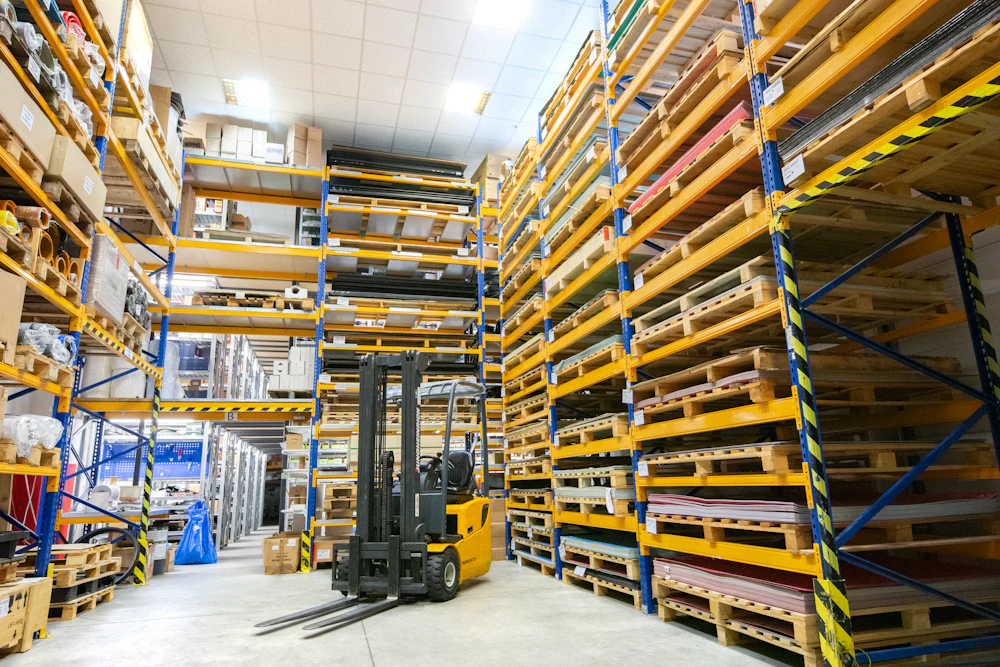
Production and warehouse go hand in hand: every order consumes materials and produces finished goods. If the production application is connected to the ERP, consumption and receipts can be reflected in stock without anyone typing them twice.
Before looking for separate warehouse management software, check whether the problem is the warehouse itself or the lack of connection between shop floor, warehouse and ERP. The latter is often solved with an integration. ERP and CRM systems integration.
How to implement it step by step
- Analyse how orders are prepared today: who does it, with what data and where errors happen.
- Decide what stays in the ERP and what the new tool does, so information is not duplicated.
- Check how the ERP connects to other systems (API, database or files).
- Start with one specific flow (for example, production orders) and test it with the shop-floor team.
- Measure errors and time spent before and after, and expand from there.
Are your production orders still in spreadsheets?
We help you decide whether your ERP is enough or whether an application connected to it pays off. We are based in Ibi and work with manufacturers in the province of Alicante.
Consideration stage
Compare options and choose the next step with clarity
If you are already evaluating solutions, we can help you prioritize impact, timelines, and fit with your real processes.
Photos: EqualStock and AFINIS Group on Unsplash.
Frequently asked questions
What is a production ERP?
An ERP with shop-floor functions: bills of materials, manufacturing orders, consumption, planning and production costs. Many general ERPs offer it as a module.
Do we need to change ERP to control production?
Not necessarily. If your ERP does not cover the shop floor well, one option is to keep it as the main system and connect a production application to it, instead of migrating everything to another ERP.
Can a production application connect to our current ERP?
It depends on how the ERP exchanges data: through an API, database access or files. It is the first thing we check before proposing a solution.
How long does it take to get a production application running?
It depends on the scope. For the packaging manufacturer in Ibi, the production order application was in use in about two months.
Can operators use it on tablets?
Yes. In the case described, supervisors and operators use it on computers and tablets. Designing simple screens for the shop floor is one of the reasons to build the application to measure.