
Imagine that every morning several people in your company do exactly the same thing.
They search for information in emails. They copy data between programs. They update Excel sheets. They ask on WhatsApp. They call to confirm tasks.
Nothing seems serious on its own. But when those small actions repeat hundreds of times each week, they start to become one of the biggest hidden costs of any company.
Digitizing a company is not just about adding technology. It is about removing friction, simplifying processes, and helping people spend more time adding value and less time repeating tasks.
In this guide we will see how to start step by step, what mistakes to avoid, and which processes usually offer the greatest return when digitized.
What digitizing a company really means
If you ask ten executives what business digitalization is, you will probably hear ten different answers. And most will talk about technology.
That is the first misunderstanding.
Digitizing is NOT:
- buying software because someone recommended it
- installing an ERP and expecting everything to change on its own
- launching a website and calling it done
- using artificial intelligence because it is trendy
Digitizing is:
- improving processes
- sharing information without relying on scattered emails
- automating tasks that add no value
- reducing errors that repeat every week
- making daily work easier for the team
Technology is the means. The goal must always be to improve how the company works.
An industrial SME that digitizes its inventory does not do it to have «more technology». It does it because it stops wasting hours searching for parts, correcting stock, and calling the warehouse. A services company that centralizes customer support does not do it for fashion. It does it because it wants to respond faster, with fewer errors, and without depending on one person remembering everything.

How to know if your company needs to digitize processes
You do not need a consulting report to sense that something is not working as it should. There are almost always clear signs. The question is whether we are normalizing them.
If you recognize several of these situations, you probably do not need more people. You need to improve how you work:

Too many Excel files
Each department has its own sheet. Nobody knows which is the correct version. Someone emails it, someone else updates it locally, and in the end there are three «official» ones. If your company lives in loose files, you are already paying an invisible tax every day.
Duplicated documents
The same data is entered in three different places. A quote in one system, commercial follow-up in another, and invoicing in a third. When information is duplicated, errors are not an exception: they are a consequence.
Repetitive tasks
Copying data, filling reports, sending the same emails, updating statuses manually. If several people do the same thing every week without adding value, you are using human talent as if it were a poorly paid robot.
Frequent errors
Wrong data entry, missed deadlines, slow customer responses. It is not always lack of attention. Often it is lack of process.
Lack of information
«What is the status of this?» «Who has it?» «When was it sent?» If answering basic questions requires calls, emails, and folder searches, the company works slower than it should.
Slow processes
Approving something takes days. A report that should be ready in an hour takes a week. Not because the task is complex, but because it passes through too many hands and disconnected tools.
Too many emails
Email has become the improvised operating system of many companies. It is used for everything: approving, reminding, archiving, coordinating. The problem is that nobody sees the whole picture and a lot of information gets lost in endless threads.
Dependence on specific people
There are processes that only work because one specific person knows them by heart. That creates bottlenecks, stress, and risk whenever someone goes on holiday or changes roles.
If you nodded along to several of these signs, you are not alone. The good news is that you do not need to transform everything at once to start improving.
Real benefits of digitizing a company
Talking about efficiency and productivity sounds good in a presentation. But what really matters is what changes in day-to-day work.

Fewer errors
When information is entered once and flows are defined, many silly mistakes disappear: duplicated data, wrong versions, forgetfulness. Fewer corrections means less frustration and more internal trust.
Less wasted time
It is not just about «saving minutes». It is about recovering hours that today go into searching, copying, asking, and repeating. That time can go back to serving customers, selling, producing, or simply breathing.
Better control
Knowing what is happening without asking five people changes how you lead. You can detect delays earlier, prioritize better, and make decisions with data, not intuition.
Centralized information
One place to check the status of an order, incident, or project avoids misunderstandings. Internal process digitalization is not bureaucracy: it is clarity.
Better customer experience
Customers do not see your Excel files. They see whether you respond quickly, meet deadlines, and look professional. A company that is digital inside usually shows it outside.
A company ready to grow
Growing with manual processes means hiring more people to do the same thing. Growing with digitized processes means expanding capacity without multiplying chaos.
How to digitize a company step by step
This is the heart of the guide. Not as theory, but as a practical roadmap. Each step answers a question executives ask us every week: «Where do I start?»
Step 1: Analyze how the company currently works
The most common mistake when starting digital transformation is going straight to tools. «What CRM do you recommend?» «Do we need an ERP?» «What if we add AI?»
All those questions come too early.
Before digitizing processes, you need to understand them. And that does not require an IT team. It requires looking honestly at how things are done today.
Start by choosing a specific area: sales, administration, production, customer support. Not the whole company. One painful process.
Then answer these questions with the team that lives it every day:
- What exactly do we do?
- How do we do it, step by step?
- Who is involved at each stage?
- How long does it take under normal conditions?
A real example: a services company managed quotes in Excel, sent them by email, approved them by phone, and then manually entered them into the invoicing program. Nobody had defined it that way. It had simply «always been done like that». By mapping it in a thirty-minute meeting, the team discovered six unnecessary steps and three points where information was always lost.
That simple exercise is the foundation of any serious business digitalization. Without a map of the terrain, any tool will be a patch.
Do not look for the perfect tool yet. Look to understand the imperfect process you have now.
Step 2: Detect repetitive tasks
Once you know how a process works, the next step is to identify which parts repeat without adding value.
Repetitive tasks are the best starting point to digitize an SME or mid-sized company, because the return is usually quick and visible.
Look for actions such as:
- copying and pasting data between programs
- sending the same email with small variations
- updating statuses in multiple sheets
- generating reports by collecting information manually
- remembering tasks the system should remember on its own
In an industrial company, we saw how the maintenance manager spent two hours every Monday reviewing pending incidents spread across email, WhatsApp, and a notebook. It was not an attitude problem. It was a dispersion problem.
When you detect that kind of task, you already have clear candidates for process automation. Not everything should be automated, but repetitive and predictable work is usually a good start.
If you want to go deeper on this point, we recommend reading how to know if your company needs to automate processes, where we explain concrete signs and examples by department.
Step 3: Prioritize high-impact processes
This is where many companies get stuck. They see so many opportunities that they try to tackle them all at once. And they end up finishing none.
Company digitalization is not a hundred-meter sprint. It is a sequence of well-chosen improvements.
To prioritize, use three simple criteria:
Frequency — How often does it happen? A daily process usually has more impact than a quarterly one.
Pain — How much does it bother the team? If it causes constant errors, delays, or frustration, it moves up the list.
Return — What would we gain if we improved it? It could be time, money, quality, or peace of mind.
An operations director once told us: «I want to digitize everything». We suggested starting only with production incident management. In two months, the team had cut response time in half. That small success opened the door to other areas.
Do not try to do everything. Choose one process, improve it well, and use that learning for the next one.
Step 4: Choose the right tools
At this point, it does make sense to talk about tools to digitize companies. But with a warning: the tool must fit the process, not the other way around.
These are the most common options and when they usually fit:
CRM — Useful when you need to organize customers, opportunities, and commercial follow-up. It helps sales stop depending on each salesperson's memory.
ERP — Makes sense when you want to integrate administration, purchasing, stock, and invoicing in one system. It is not always the first step, but it can be key as you grow.
Custom software — When your processes are very specific and generic tools force you to work in awkward ways. Here, development adapted to your real operations fits best. Custom software: what it is and when it is worth it.
Automation — To connect tools and remove repetitive tasks between systems. Ideal when you already have programs that work but do not talk to each other. View process automation.
Artificial intelligence — Useful for classifying information, answering frequent queries, or analyzing data. It is not the first step for most companies, but it can add a lot when basic processes are already organized. What is artificial intelligence and how it works.
There is no winning tool for every company. There is a reasonable combination for yours.
If you are unsure between options, review our guides on web development, custom software, and automation. They will help you decide with criteria, not trends.
Step 5: Implement gradually
This step is more important than it seems. Many digital transformation projects fail not because of bad technology, but because of bad implementation.
Implementing gradually means:
- starting with a small team, not the entire staff
- testing the new flow on real cases before rolling it out
- listening to the team and adjusting what does not work
- not shutting down the old process until the new one is reliable
A classic mistake is buying a tool, doing a two-hour training session, and expecting everything to change on Monday. It does not. People go back to what they know when something fails or is unclear.
Gradual implementation builds trust. When the team sees that the change makes life easier —not harder— adoption comes naturally.
In a services company, we started by digitizing only incident intake. One month later, we expanded to follow-up. Two months later, to reporting. No revolutions. No resistance.
The best digital transformation is the one the team does not notice as a «technology project», but as a «more sensible way to work».
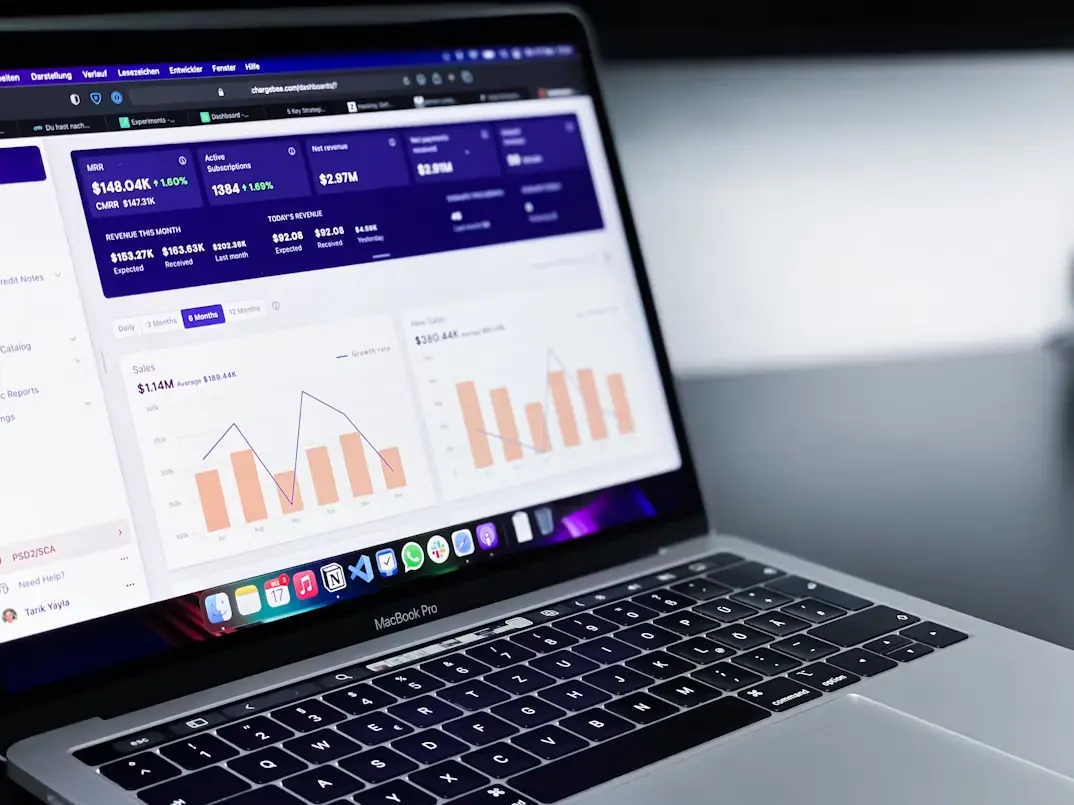
Step 6: Measure results
If you do not measure, you do not know if you have improved. And if you do not know if you have improved, it is hard to justify continuing or scaling.
You do not need an endless dashboard. A few clear indicators, defined before you start, are enough:
- time a process takes from start to finish
- number of related errors or incidents
- weekly hours spent on repetitive tasks
- response time to customers or between departments
- team satisfaction with the new flow
An SME that digitized order management went from spending four hours preparing the weekly report to having it available in real time. The savings were obvious. But the most valuable part was that the manager stopped spending Fridays «squaring numbers» and could focus on suppliers and negotiation.
Measuring is not about controlling for control's sake. It is about learning what works and repeating it in the next process.
Which processes to digitize first
Every company is different, but some areas usually offer a quick return when approached with criteria. This list is not a mandate: it is a starting map.
- Administration: invoicing, collections, documentation, and approvals often concentrate a lot of repetitive manual work.
- Sales: opportunity follow-up, quotes, and customer communication. A good commercial flow prevents business from slipping away.
- Customer support: incident logging, response times, and history. Customers notice the difference quickly.
- Production: work orders, statuses, and communication between shop floor and office.
- Maintenance: preventive, corrective, spare parts, and downtime. In industry, the economic impact is direct. Industrial maintenance software: what it is and why more companies need it.
- Inventory: inbound, outbound, stock, and traceability. Fewer stockouts, fewer emergencies.
- Documentation: contracts, delivery notes, certificates. Fewer folders, more control.
- Reports: scattered data that today is collected manually every week.
- HR: onboarding, leave, training, and hiring. Especially when the team is growing.
If you do not know where to start, choose the process that generates the most internal complaints. It is usually the best candidate.
Most common mistakes when digitizing a company
We have seen the same mistakes repeat in companies from very different sectors. Knowing them will save you time and money.
Buying tools without analyzing processes
This is the most frequent one. A powerful software is acquired that nobody uses because it does not fit how work is really done. Process first, tool second.
Trying to automate everything
Automation is powerful, but it is not the goal. Some tasks require human judgment. Automating for fashion creates fragile systems.
Not training the team
The best tool fails if people do not understand why it exists or how it helps them. Training is not a formality: it is part of the project.
Thinking only about technology
Digitizing is not an IT project. It is a project about how the company works. If you do not involve operations, administration, or production, there will be no adoption.
Not measuring results
Without indicators, you do not know whether the change was worth it. And without evidence, it is hard to keep momentum or scale to other areas.
Digitizing well is not doing more things with technology. It is doing fewer things wrong.
The role of automation, software, and AI
Many articles present these three things as if they compete. In reality, they work better in sequence.
Think of it like this:
- Software → Software organizes information and gives structure to processes.
- Automation → Automation removes repetitive tasks between systems.
- Artificial intelligence → Artificial intelligence helps interpret, classify, or decide with data.
First you need to know where information is and how it flows. Then you can automate what repeats. And when data is organized, AI starts to make real sense.
A company that jumps straight to «adding AI» without organizing its processes usually ends up with an expensive tool that responds quickly… but on incomplete or outdated data.
It is not about choosing a single layer. It is about building in the right order.
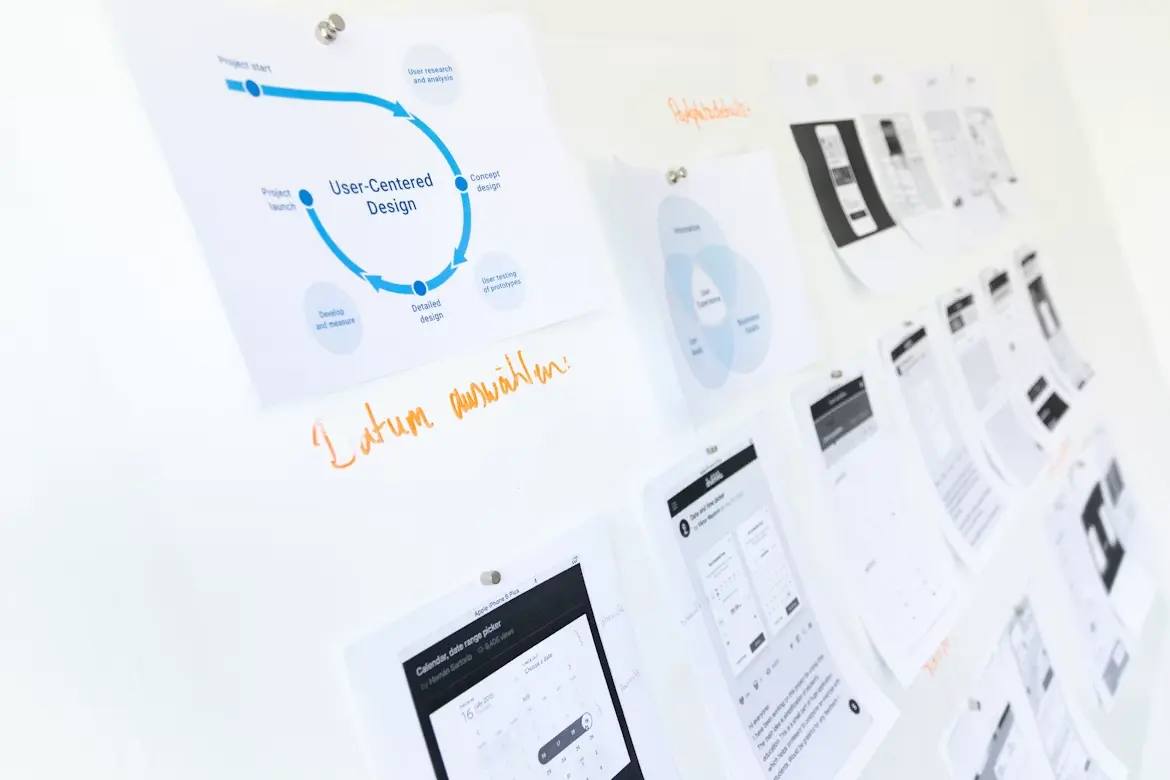
Practical case: a services company before and after
So this does not stay theoretical, let's look at a fictional but very realistic example.
Installation company with 25 employees. Work order management, quotes, and incidents.

Before
- Technicians sent photos and notes via WhatsApp
- Administration copied data into Excel
- Quotes were approved by email
- The director called to know the status of each job
- Monthly reports took a full day to prepare
After
- A simple app to log work orders from mobile
- Automation that generates the quote from work order data
- Panel with the status of each job in real time
- Indicators for times, incidents, and profitability per project
Result
- Fewer internal calls every day
- Fewer errors in quotes
- Reports available without manual preparation
- More time for the management team to sell and negotiate
They did not buy «the best platform on the market». They analyzed how they worked, prioritized one process, and kept improving it. That is what digitizing a company really means.
How Efiprox can help you
If you have made it this far, you probably are not looking for a vendor to sell you licenses. You are looking for someone who understands how your company works and helps you improve it.
That is our approach. We do not come in to deploy technology by inertia. We come in to understand processes.
Our work usually follows this path:
- We analyze how you work today
- We detect friction and repetitive tasks
- We design a solution adapted to your operations
- We develop and integrate the necessary tools
- We implement gradually with your team
- We measure and improve with real data
We are not an agency that delivers a project and disappears. We work as a technology partner: close to day-to-day work, with continuous improvements and decisions based on what really happens in your company.
If you feel your team wastes too much time on tasks that should not exist, we can help you identify where to start. No commitment and without selling you what you do not need.
Keep exploring business digitalization
This guide is the starting point. If you want to go deeper into specific areas, these articles will help you make better decisions:
What is web development and why it matters for a company, Custom software: what it is and when it is worth it, How to know if your company needs to automate processes, The hidden costs of manual processes in a company, Custom website vs WordPress, What is artificial intelligence and how it works, How to implement artificial intelligence in a company step by step, Industrial maintenance software: what it is and why more companies need it, how to choose a software development company, which processes to automate first.
Consideration stage
Compare options and choose the next step with clarity
If you are already evaluating solutions, we can help you prioritize impact, timelines, and fit with your real processes.
Frequently asked questions
What does digitizing a company mean?
It means improving how the company works through clearer processes, shared information, and tools that remove repetitive tasks and errors. It is not just buying technology.
How much does it cost to digitize a company?
It depends on scope, processes involved, and tools needed. A focused improvement can start with a modest budget; a broader transformation requires more investment. The key is to prioritize processes with clear return.
Which processes should be digitized first?
Usually the most repetitive and painful ones: administration, sales, customer support, inventory, reports, and incidents. Choose the one that consumes the most time or generates the most errors today.
Is custom software development necessary?
Not always. Sometimes existing tools, well integrated, are enough. Custom software makes sense when your processes are very specific and generic solutions do not fit.
What is the difference between automation and AI?
Automation executes repetitive tasks following defined rules. AI interprets data, classifies information, or helps decide. Automation is usually the previous step; AI adds value when data is already organized.
How long does a digitalization project take?
A first process can be improved in weeks or a few months. A broader transformation can take several months. Gradual implementation is usually faster and more sustainable than trying to change everything at once.